vscode的终端设置成gitbash
打开 vscode 设置
打开 vscode 设置
添加代码
"terminal.integrated.profiles.windows": {
    "gitBash": {
        "path": "D:\\soft\\Git\\bin\\bash.exe", //本地bash程序的路径
    }
},
"terminal.integrated.defaultProfile.windows": "gitBash",
回到设置,搜索 shell windows,在以下的下拉框中选择 gitbash
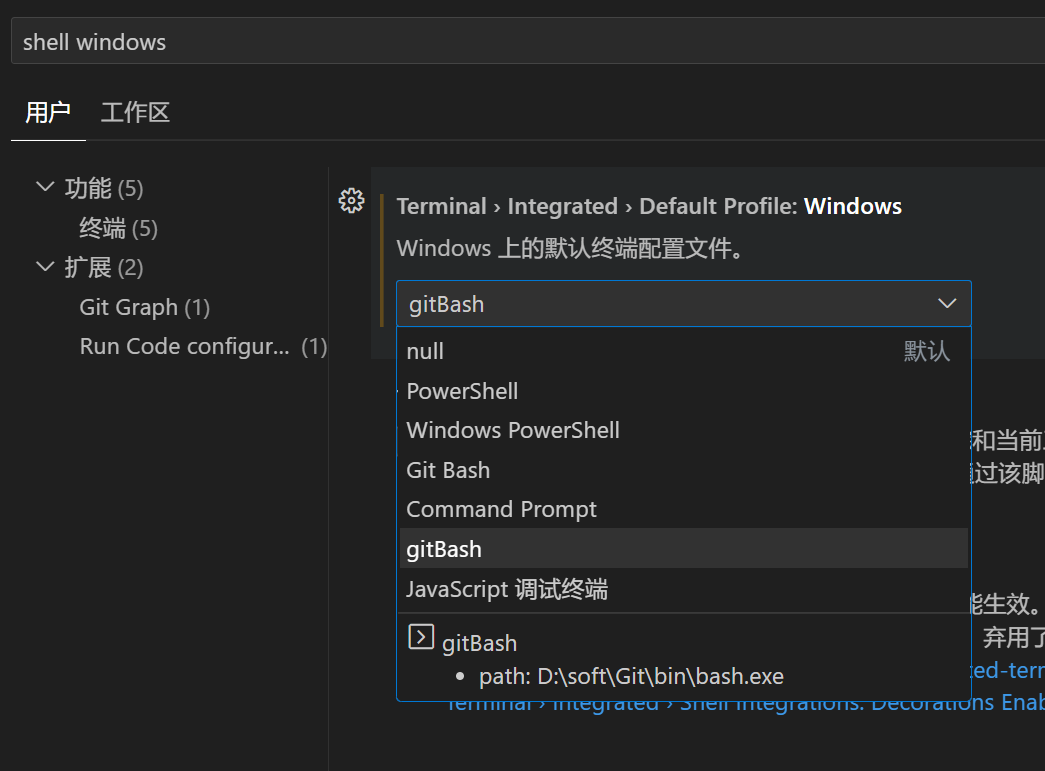
重新打开终端就能看见了,如果不行就重启 vscode